

Build a launch-ready brand, straight from your desktop
- Files stay on your machine
- 5 free starter credits
- No credit card
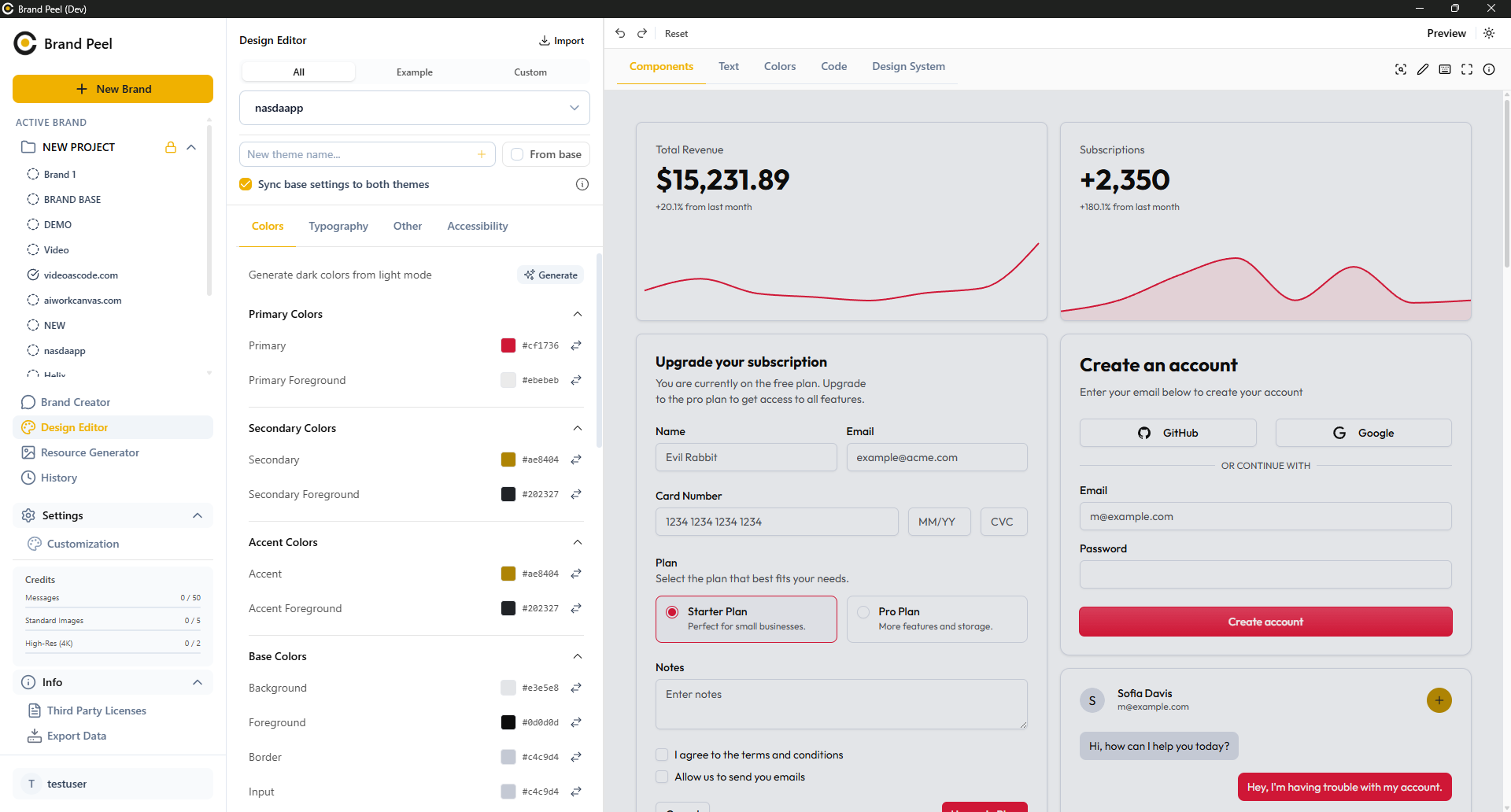
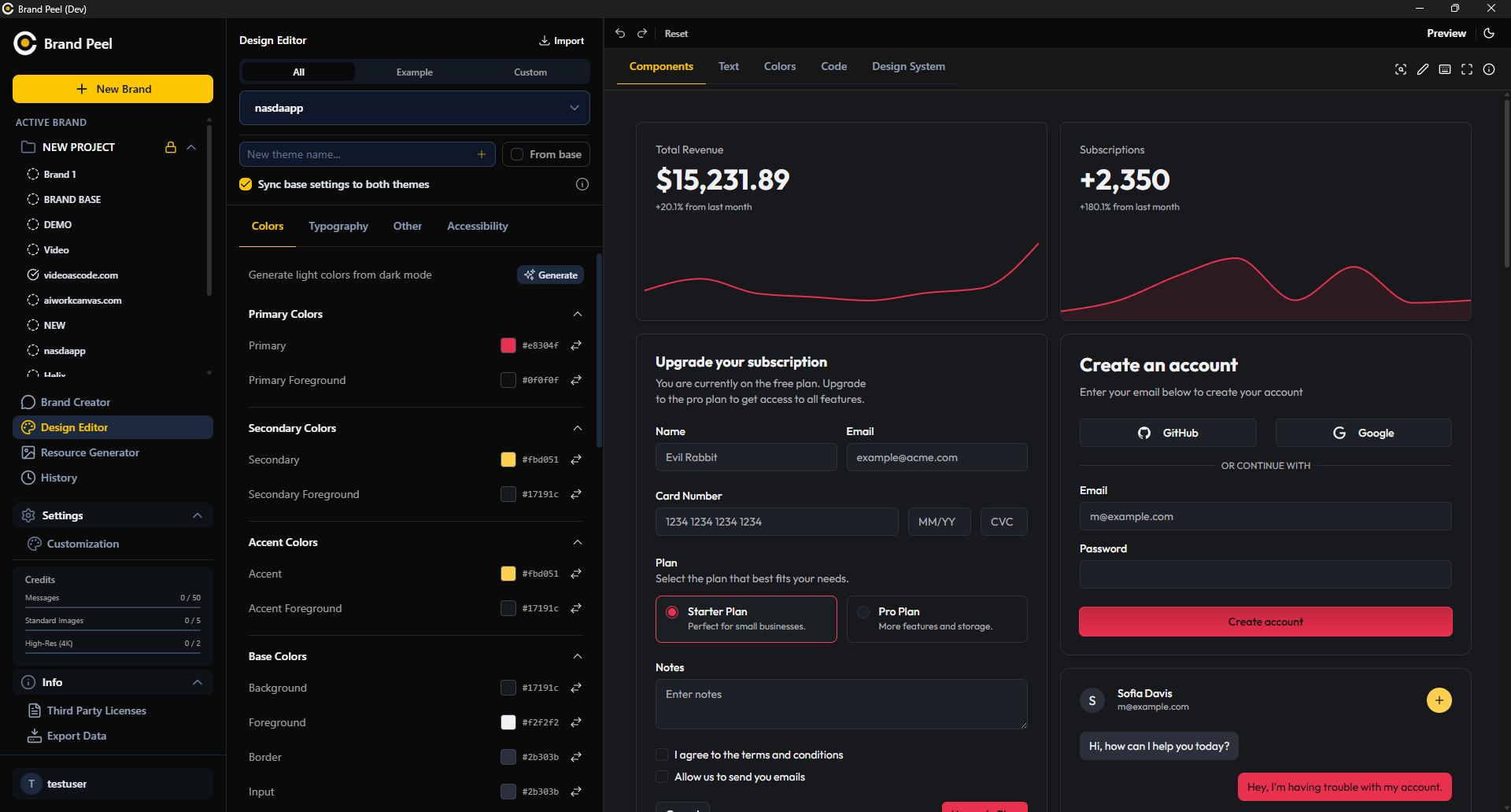
See Brand Peel go from chat to shippable tokens
Video coming soon01 The problem
The brand kit, without the tab pile.
Left: brand work spread across a Google Doc, palette sites, a chat assistant, and Figma. Right: the same work inside Brand Peel.
We want to help founders build brands without hiring an agency. AI asks questions, spits out guidelines, exports colors for code. Something like that? (too long, cut to one sentence)
Innovative. Modern. Disruptive. AI-powered. (this could be any startup, rewrite)
Primary: #0070f3 (or maybe #111? #ff0055?)
Secondary: #f5a623 (does this contrast well?)
Accent: #00dfd8 (need to check WCAG compliance, seems light)

 Brand Peelv0.1.0-beta.0
What are you building, and who is it for?
A local desktop app that works like a private brand strategist. Branding output without the agency bill.
Local-first is the angle. I'll position it as a founder's private brand studio.
Identity, visuals, and guidelines drafted
Keep the tone calm and confident. No hype.
Visual Identity
Primary Colors
Primary
Primary Foreground
Secondary Colors
Secondary
Secondary Foreground
Accent Colors
Accent
Accent Foreground
Typography
Public Sans, geometric; JetBrains Mono for tokens
02 How it feels
Guided conversation builds your brand
03 Local-first
Your project files stay on your machine.
Your device
Files and prompts leave your machine
Vendor server
Your data lives on their disks
Third-party AI
Prompts can be logged or used for training
- Brand files, tokens, and assets sit on someone else's servers.
- Vendor staff can reach your files; session logs often stick around.
Your machine
The app and config stay local
Local disk
JSON and project files
AI API
Cloud processing with operational records
- Project documents, design tokens, and generated files stay on your drive.
- AI content is processed in the cloud and is not used for training.
04 What's inside
From idea to production code


AI brand strategist
Talk like you would to a collaborator. It drafts positioning and voice you can push back on and lock in.
Live Markdown docs
Your brand book compiles as you chat. Clean Markdown, ready to paste into your README or codebase.
Reviewable revisions
Compare versions side by side, preview pending AI edits, accept in chunks or roll back. I hated all-or-nothing rewrites, so this is granular.
Developer ready theme
Your palette becomes Tailwind v4 CSS variables plus structured JSON. Paste it and it just works.
One-click design tokens
Copy colors as OKLCH, HSL, RGB or hex in one click. No eyedropper hunt, no manual typos.
Custom logo directions
One request, four logo concepts with palettes and rationale. Render the directions you like as proper square logos.
Design Sandbox
Turn brand context into live websites, emails, PDFs, app screens, terminal UIs or 3D scenes. Preview, tweak, export the source.
Visual asset generator
Standalone visuals and mockups in any ratio up to 4K. Nano Banana for quick drafts, Imagen when you want it polished.
Focused workspace
Strategy, voice, palettes, logos, prototypes and exports, one desktop window. No more hunting through Drive folders.
Prioritize sharp geometric form factors that read clearly at 16x16 tool dock resolutions, using high-contrast yellow to draw focus in a quiet user interface.
Geometric mark
Tight arcs that still read at 16px in a tool dock.
Wordmark
BP monogram that works in a terminal banner too.
Emblem
Solid app-icon shape with one yellow accent.
Abstract
Bar pattern pulled from charts and CLI output.


05 Workflow
Three steps, one app
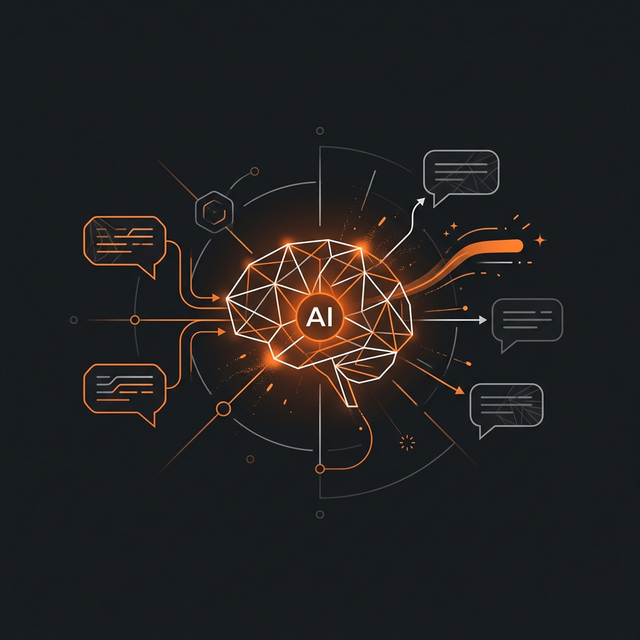
Discovery chat
Describe what you're building, who it's for, and how it should feel. The strategist remembers, so you don't repeat yourself.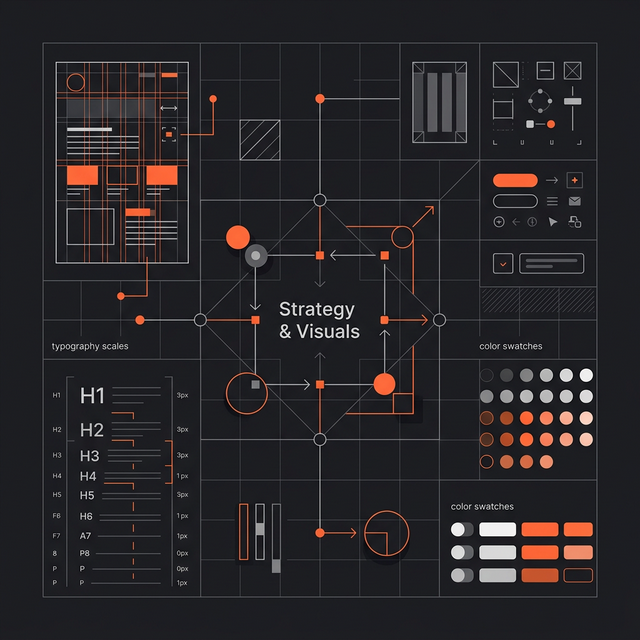
Strategy and visuals
You get draft mission, values and visual directions. Push back, tweak colors, keep what feels honest.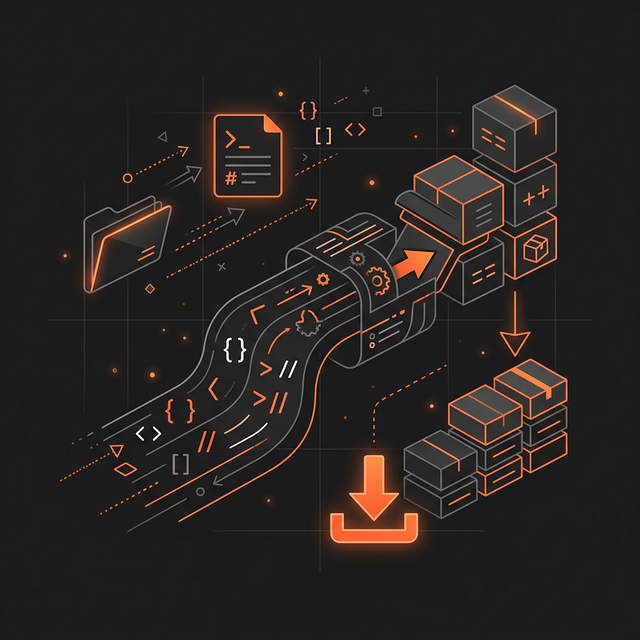
Export and build
Grab Markdown, theme tokens and logos. Sandbox source too, if you prototyped. Drop it straight into your codebase.Brand Identity
Mission, positioning, and audience show up here after you describe the product.
06 Pricing
Simple pricing


- 5 starter credits, granted once per eligible account and device
- 1 credit per chat, Sandbox, or logo-direction request
- Standard Quality images use 1-2 credits
- Best Quality images use 3 credits at any supported resolution
- No watermarks
- Unlimited projects
- Community support
- Unlimited projects
- Billed monthly through Polar
- 500 chat and Sandbox units per billing cycle
- 48 weighted Standard Quality image units per billing cycle
- 24 Best Quality image units per billing cycle
- Quotas reset on your Polar renewal date
- No watermarks
- Priority support
- Commercial license
- No card needed for the trial
- Your files stay local on every plan
- No API keys to manage
07 Real output
Design output you can ship
Runs on your machine: scan repos, flag leaks, and check container configs before deploy.
- Static analysis that keeps source local
- Signed JSON reports you can drop into CI
- Container image checks before push
- Clarity over cleverness
- Function first, decoration second
- Accessible by default
Scylla Security
Scan repos locally before you deploy.
AaBbCcDdEe 0123
The quick brown fox jumps over the lazy dog.
Regular weight body copy for long-form content. Set in a comfortable measure for readability.
Welcome to Scylla Security
Workspace ready.


08 Why it exists
For builders
I might be biased, but Brand Peel's own branding was built with Brand Peel. If you like what you see here, you'll probably like the app too.

Jonas Fröller
Founder and CEO of Brand Peel
FAQ
Frequently asked questions
The stuff people actually ask before installing, how it works, where files live, what credits do.
Still wondering about something?
The docs go deeper, or ask the founder directly.
Download and start talking
The brand takes shape as you explain it. It feels more natural than filling out a form.